Oh dear, something's gone wrong
Let's help you find what you need
Find the right PTE test for your goal, and get information on the test format, preparation, and scoring.

UK visa tests
English tests for visa applications to work, join family, and settle in the UK. Includes PTE Home tests and PTE Academic UKVI.

PTE Core
A general English test, recognized by the Canadian government for immigration and citizenship applications.

PTE Academic
For global university and college study, visa applications to Australia and New Zealand, and professional registration.
Who accepts PTE?
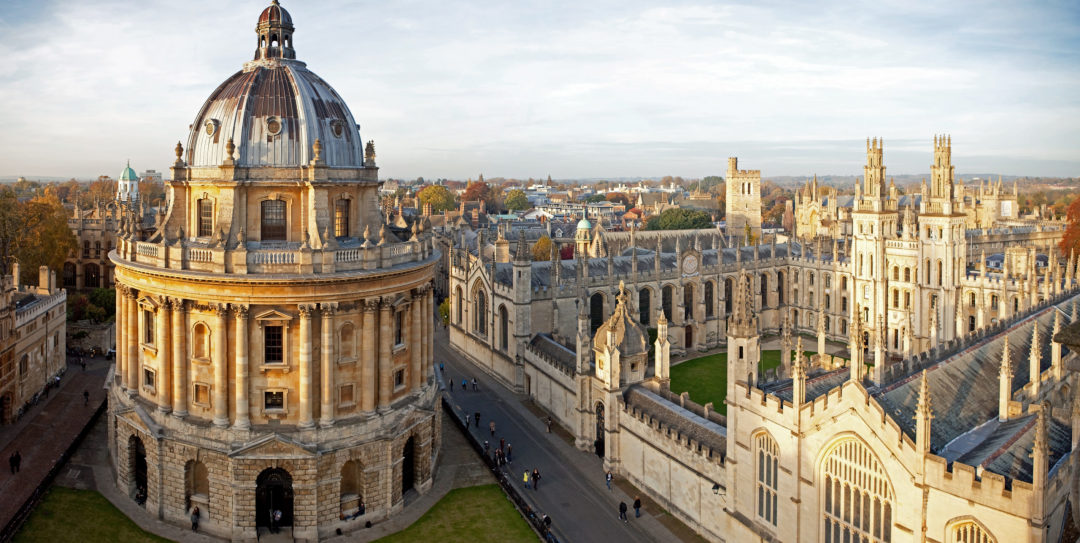
PTE scores open doors to 3,900+ universities, colleges, and professional bodies globally, including Oxford University, Harvard Business School, and Macquarie University.
We are also approved for all UK, Australian, Canadian, and New Zealand visa and immigration categories.

Where can I take my test? How much does it cost?
We have more than 450 test centers in 115 countries. You can book your tests at short notice, with frequent tests taking place throughout the year.